የኢትዮጵያ አማርኛ ኪቦርድ
Write selam, get ሰላም. A floating palette shows every vowel form, and suggestions finish your words in any app.
macOS 13 or later · Apple silicon and Intel · 65 MB · Notarized by Apple
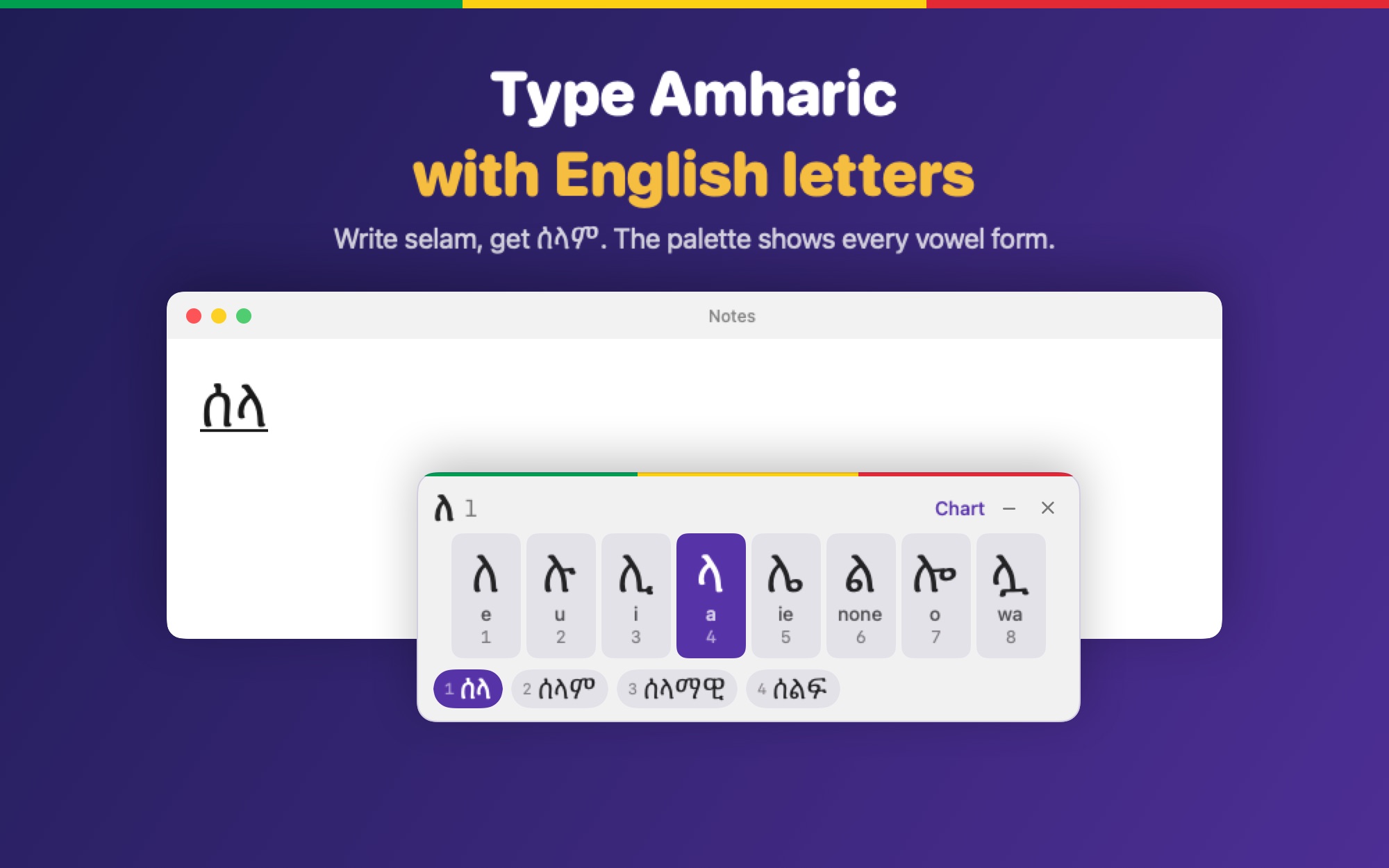
Rendered from the app itself.
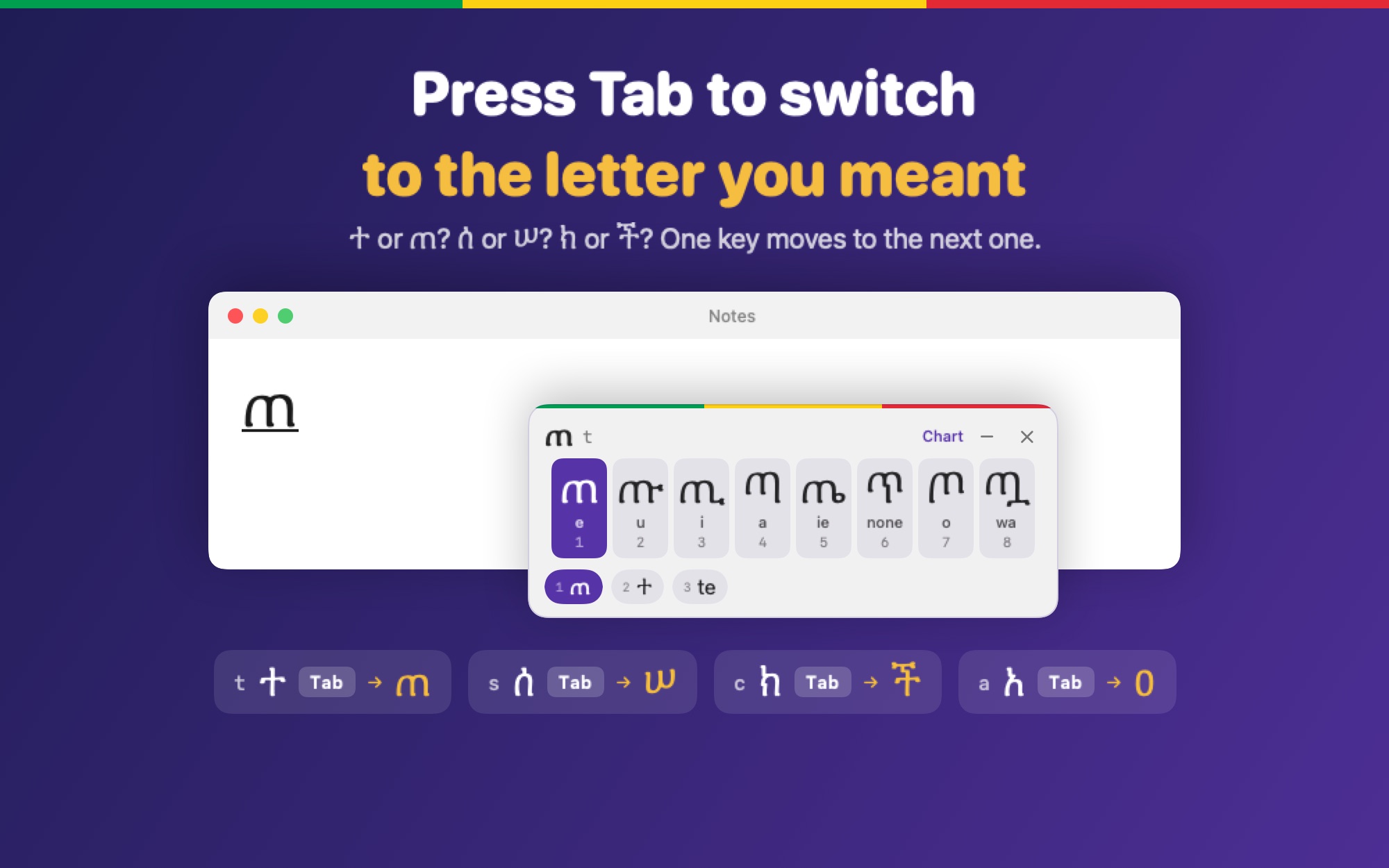
Amharic has letters that sound the same, like ተ and ጠ. Type the sound, then press Tab while the letter is underlined to move to the next one. Shift + Tab goes back.
te ተ press Tab ጠ press Tab ተTab changes the last letter you typed. It works on c too: you get ክ, and Tab gives ች, so you do not have to type ch.
Use the English letters you already know. No new layout to learn.
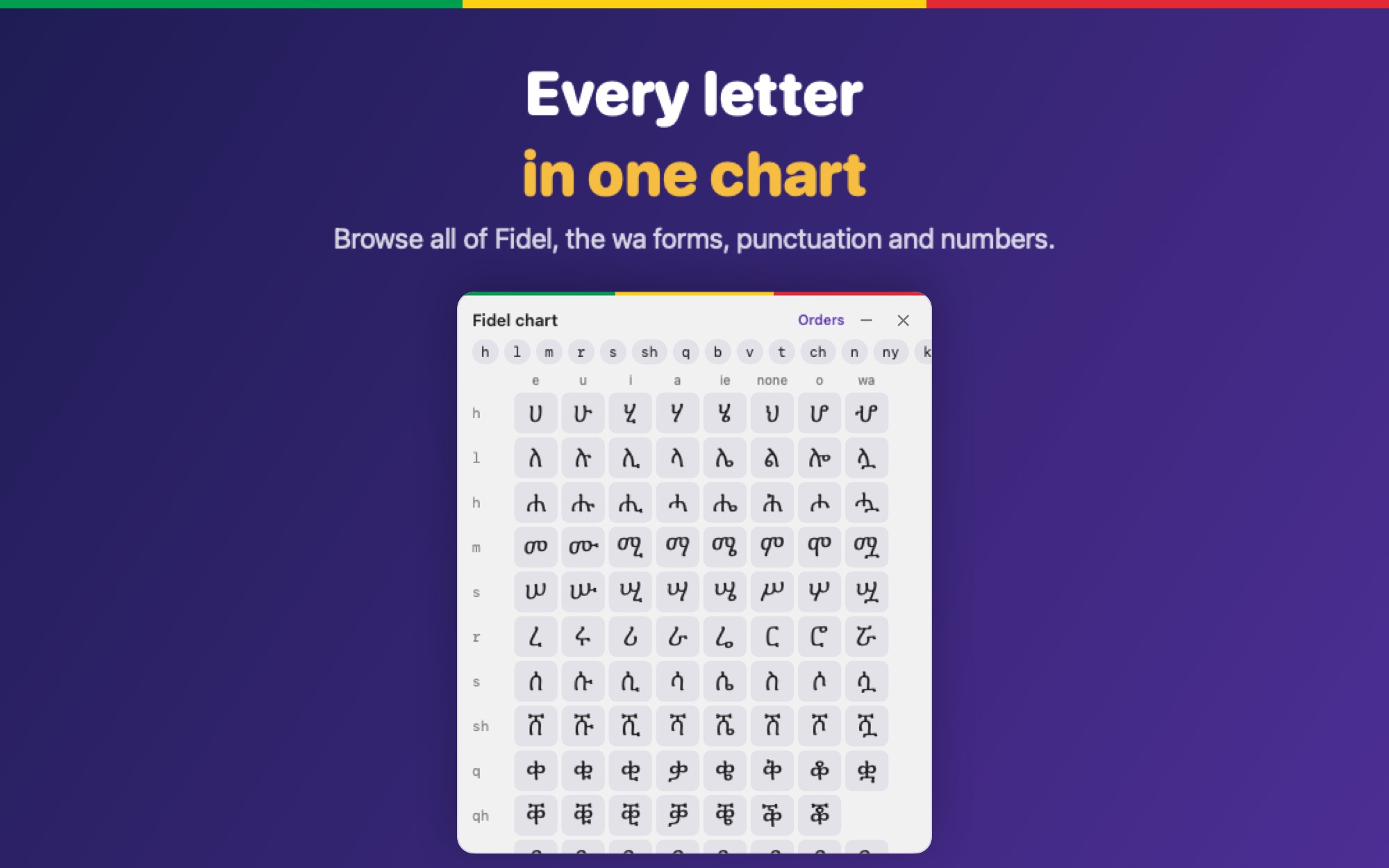
Click or press 1–7 to change a letter's vowel form. The key to type is labelled under each one.
Built-in dictionary suggestions. What you typed stays the default, so you stay in control.
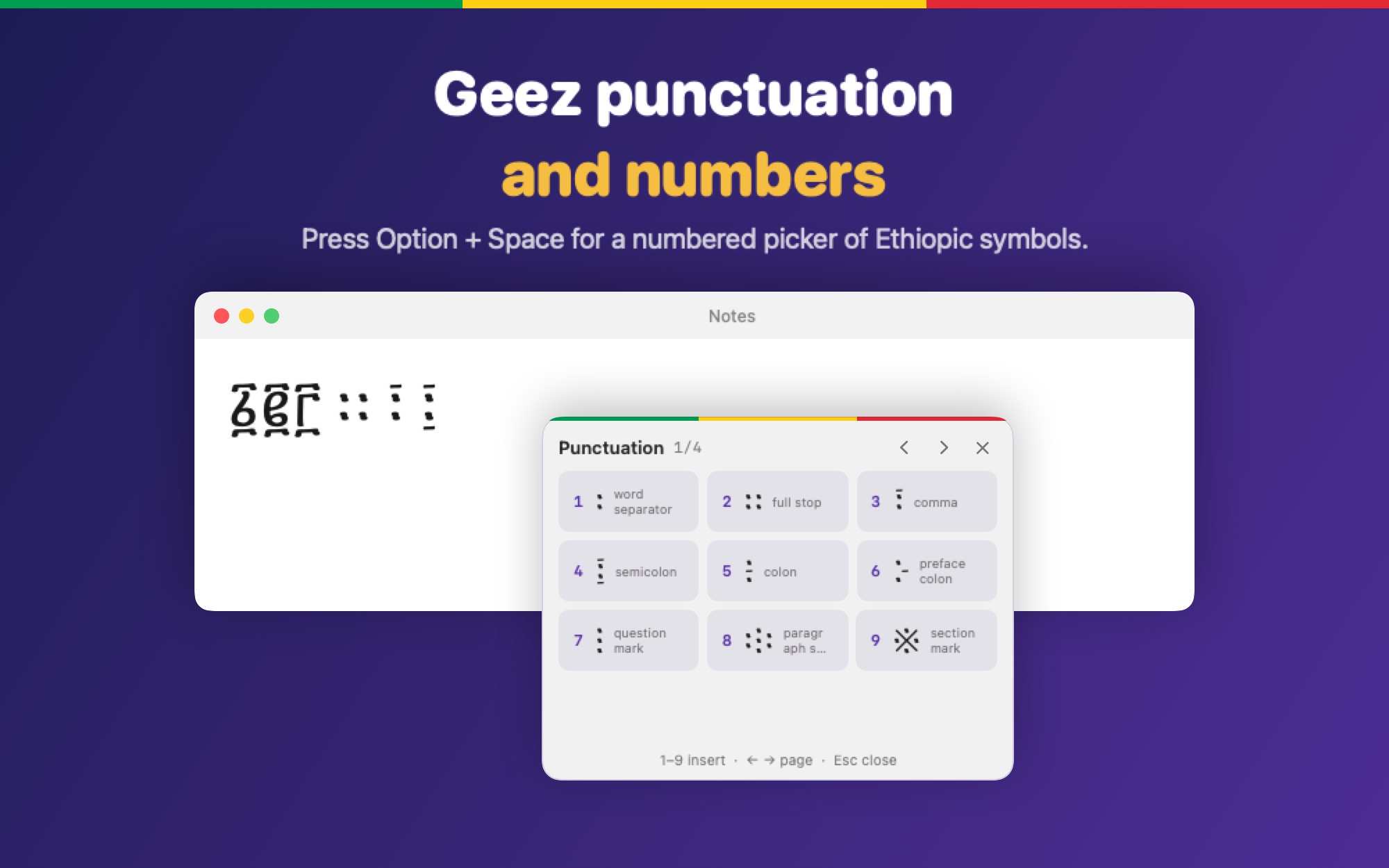
Option + number for ፩–፱, and ። ፣ ፤ ፥ ፧ by shortcut or from a picker.
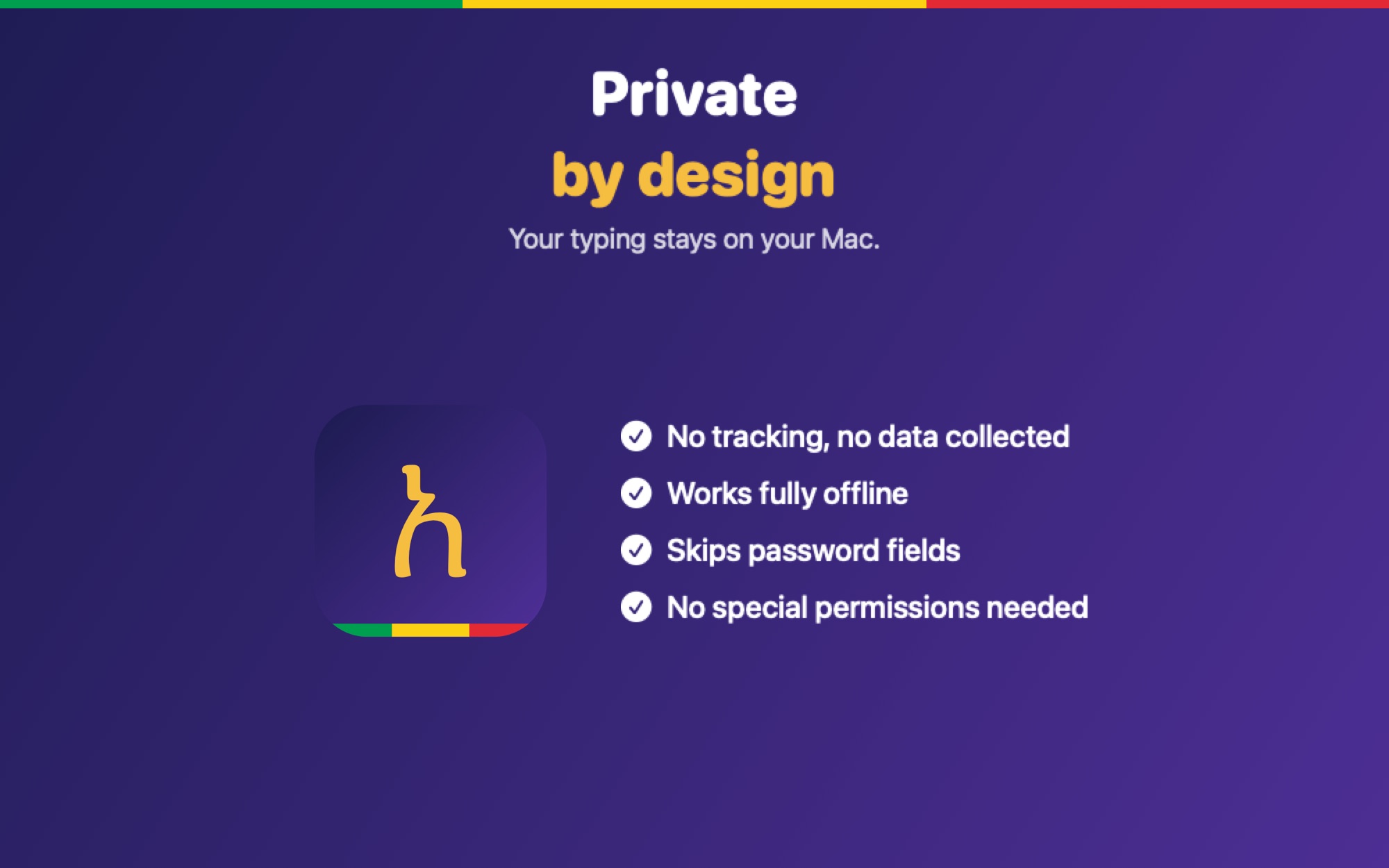
Never connects to the internet. Password fields are left alone.
Control + Option + Space types English without leaving the keyboard.
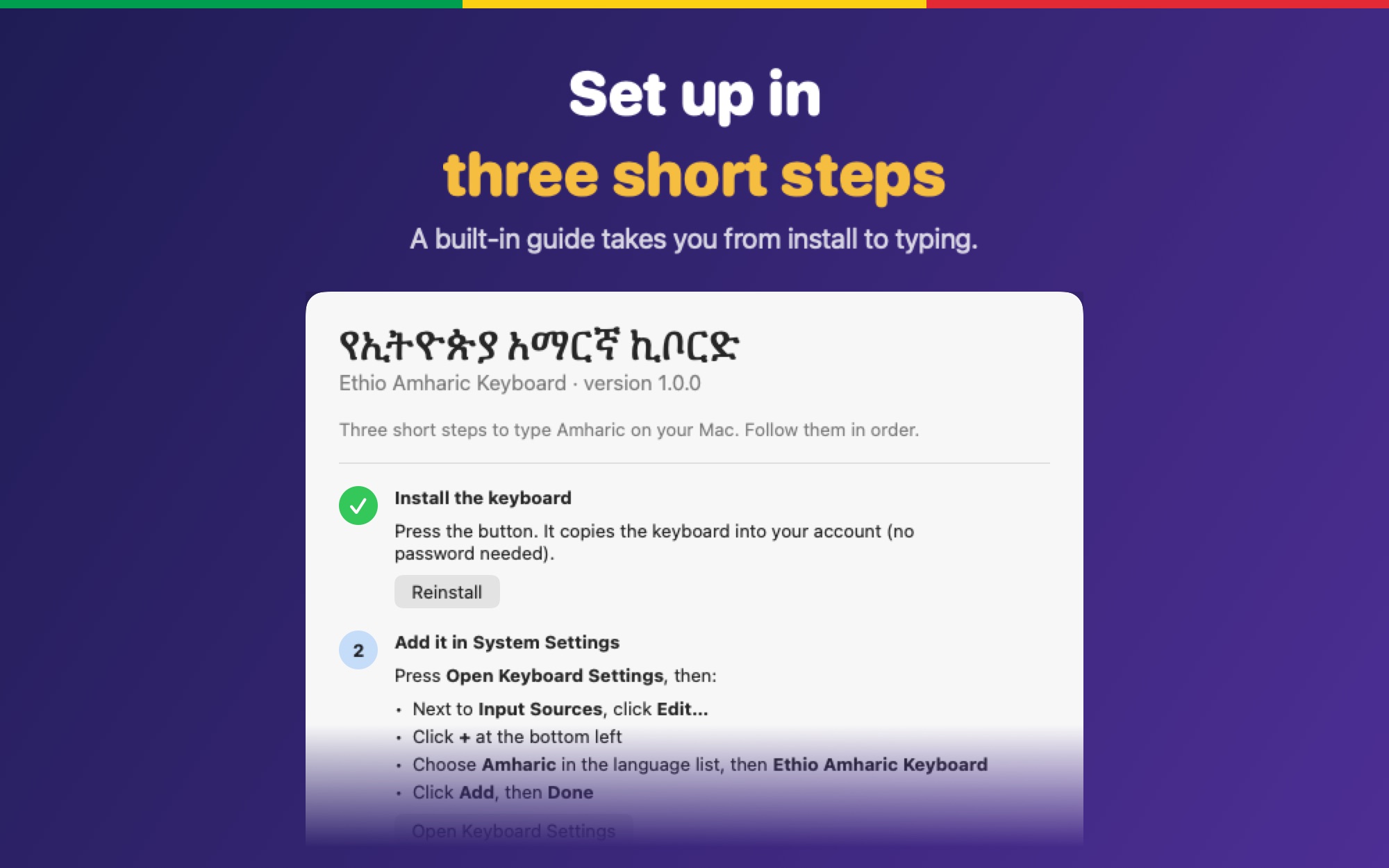
The app guides you too. Full details are in the install guide.
Open the disk image, drag Ethio Amharic for Mac to Applications, open it and press Install.
Keyboard → Input Sources → Edit → +, choose Amharic, then Ethio Amharic Keyboard.
Choose the keyboard from the input menu and type selam. If an app still types English, restart it.
Version 1.0.0 for macOS 13 or later. Signed and notarized by Apple.
⬇ Download for Mac (.dmg) Ethio Amharic Keyboard