የኢትዮጵያ አማርኛ ኪቦርድ
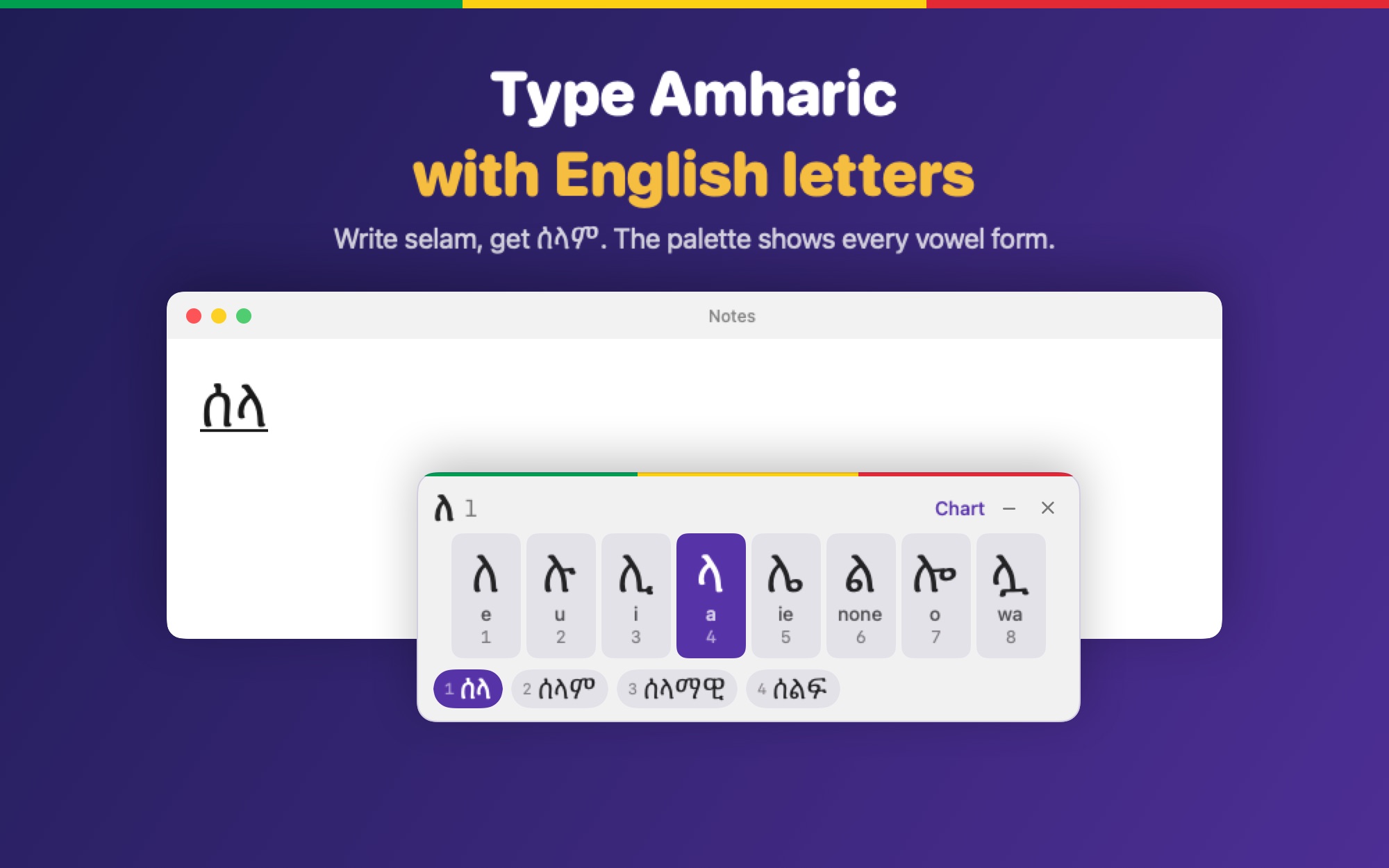
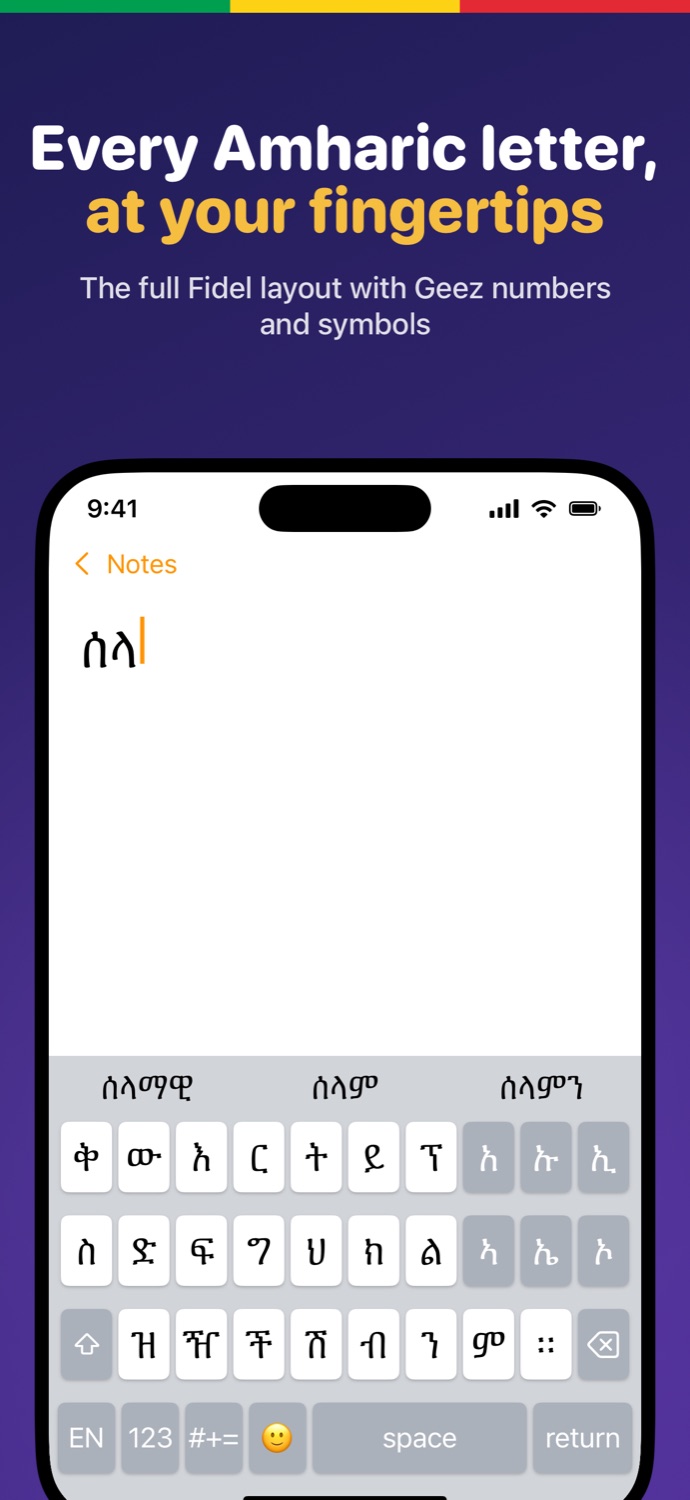
Write selam, get ሰላም. A fast, private Amharic keyboard with the full Fidel layout, smart suggestions and no tracking, on your phone and on your Mac.
Fidel layout or English-letter phonetic typing, nine themes, no Full Access needed.
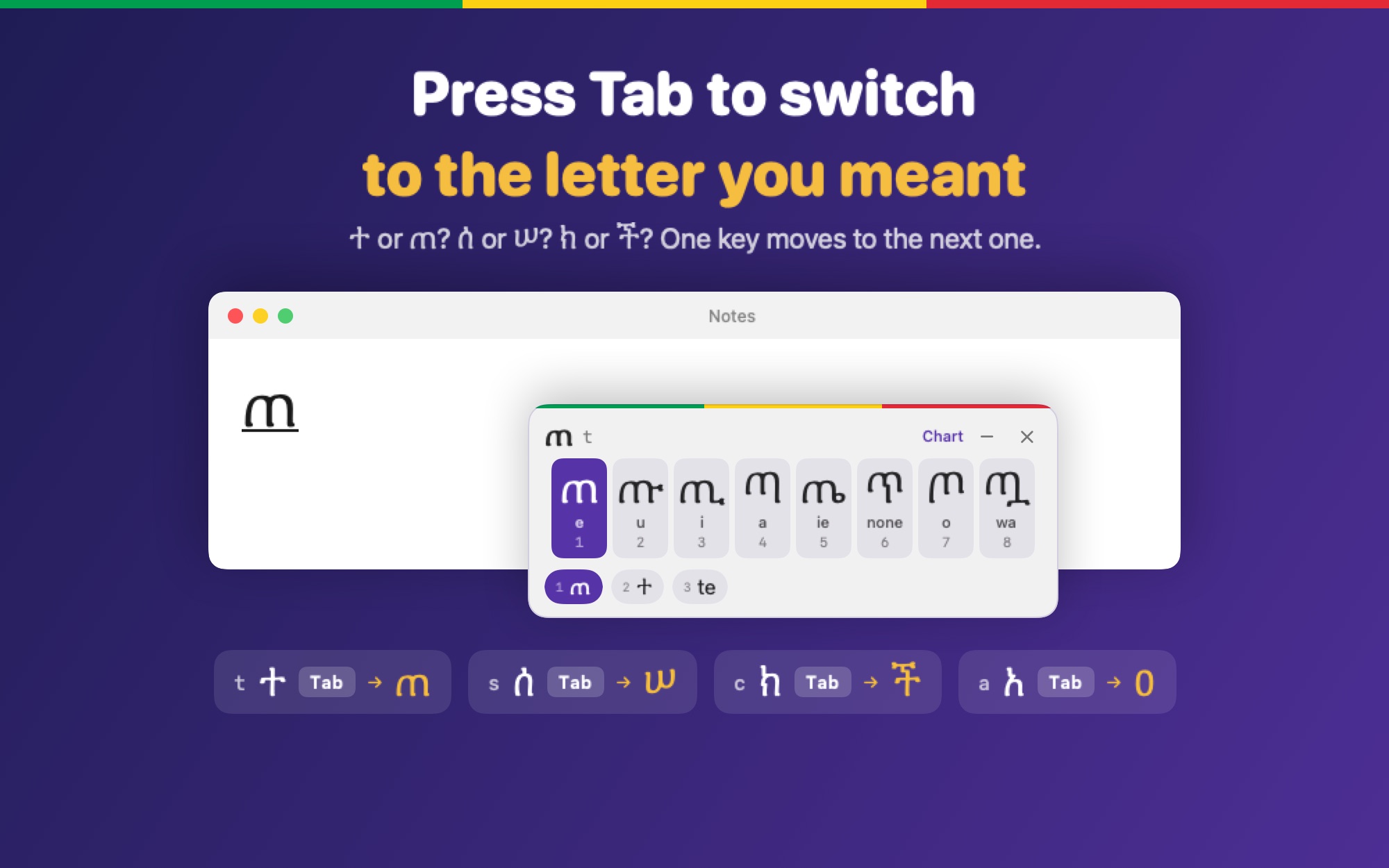
A phonetic keyboard with a floating Fidel palette. Press Tab to switch between letters that sound the same.
Real screens from the apps. Swipe sideways to browse.
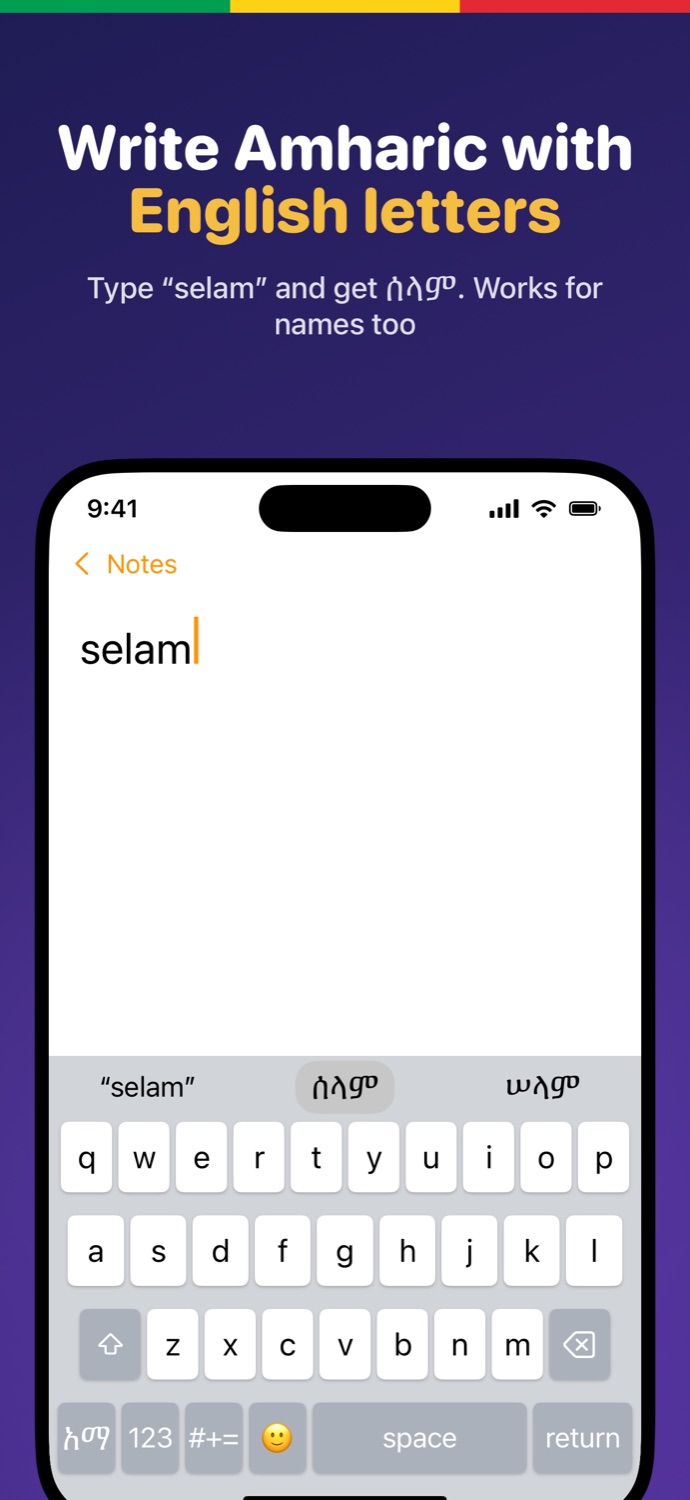
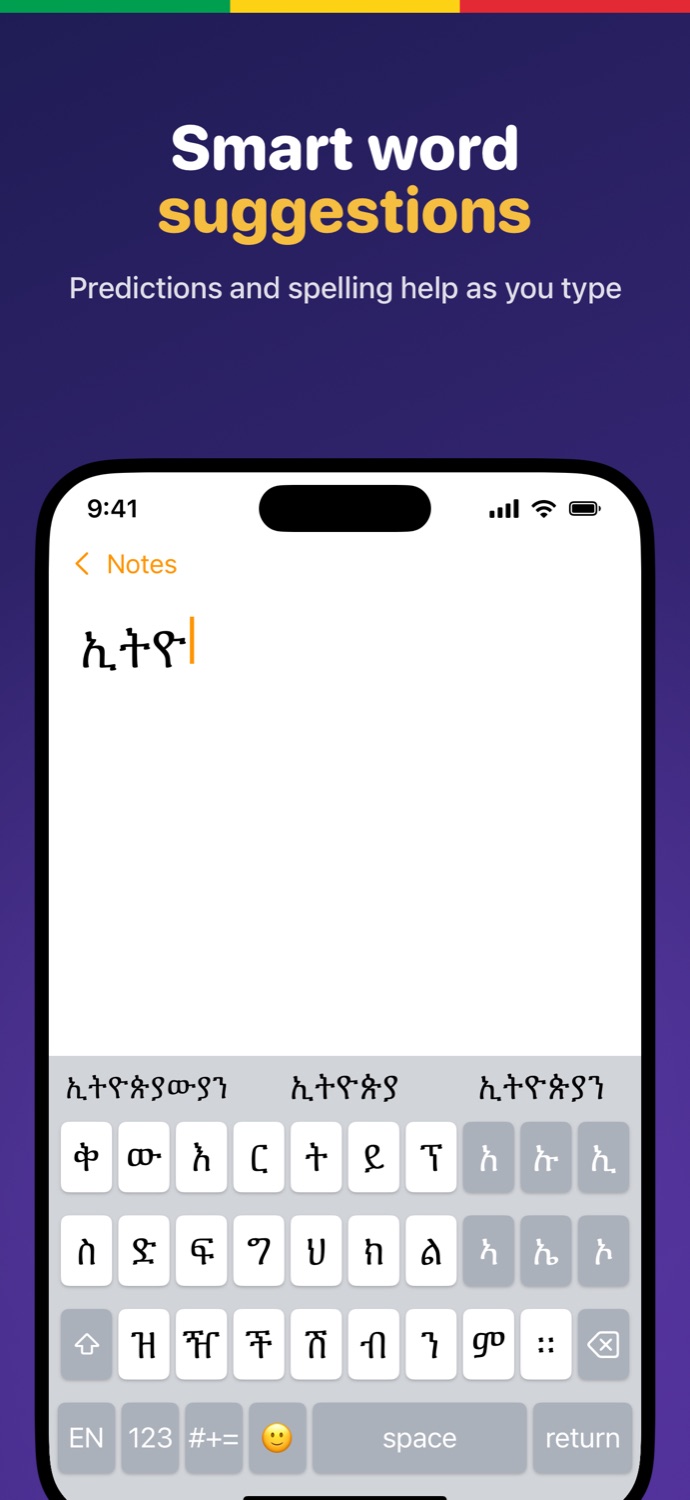
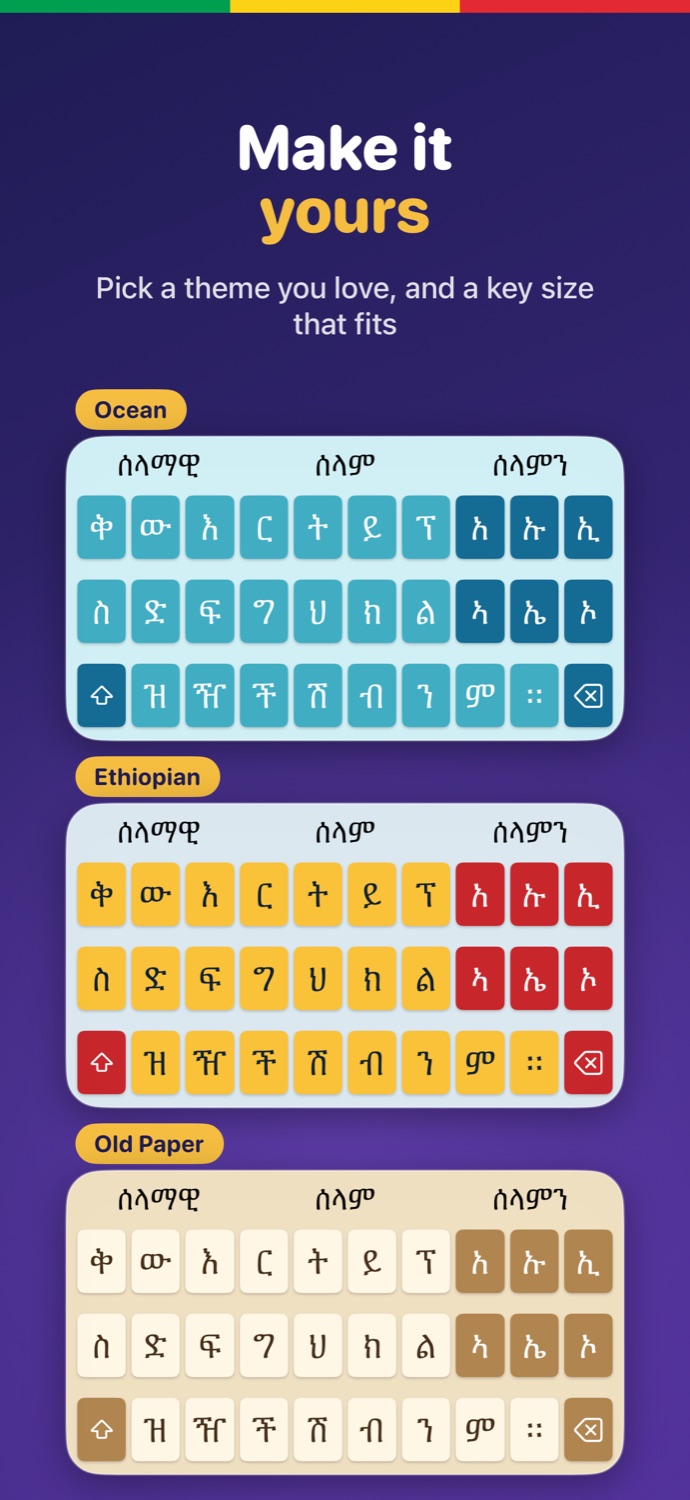
The same promise on every device.
Use the full Fidel layout, or type English letters and get Amharic. selam becomes ሰላም.
A built-in dictionary of more than 800,000 Amharic words suggests words as you type.
No tracking, no ads, no accounts. Your typing never leaves your device, and it needs no internet.
See all seven vowel forms of the letter you are typing, with the key to press under each.
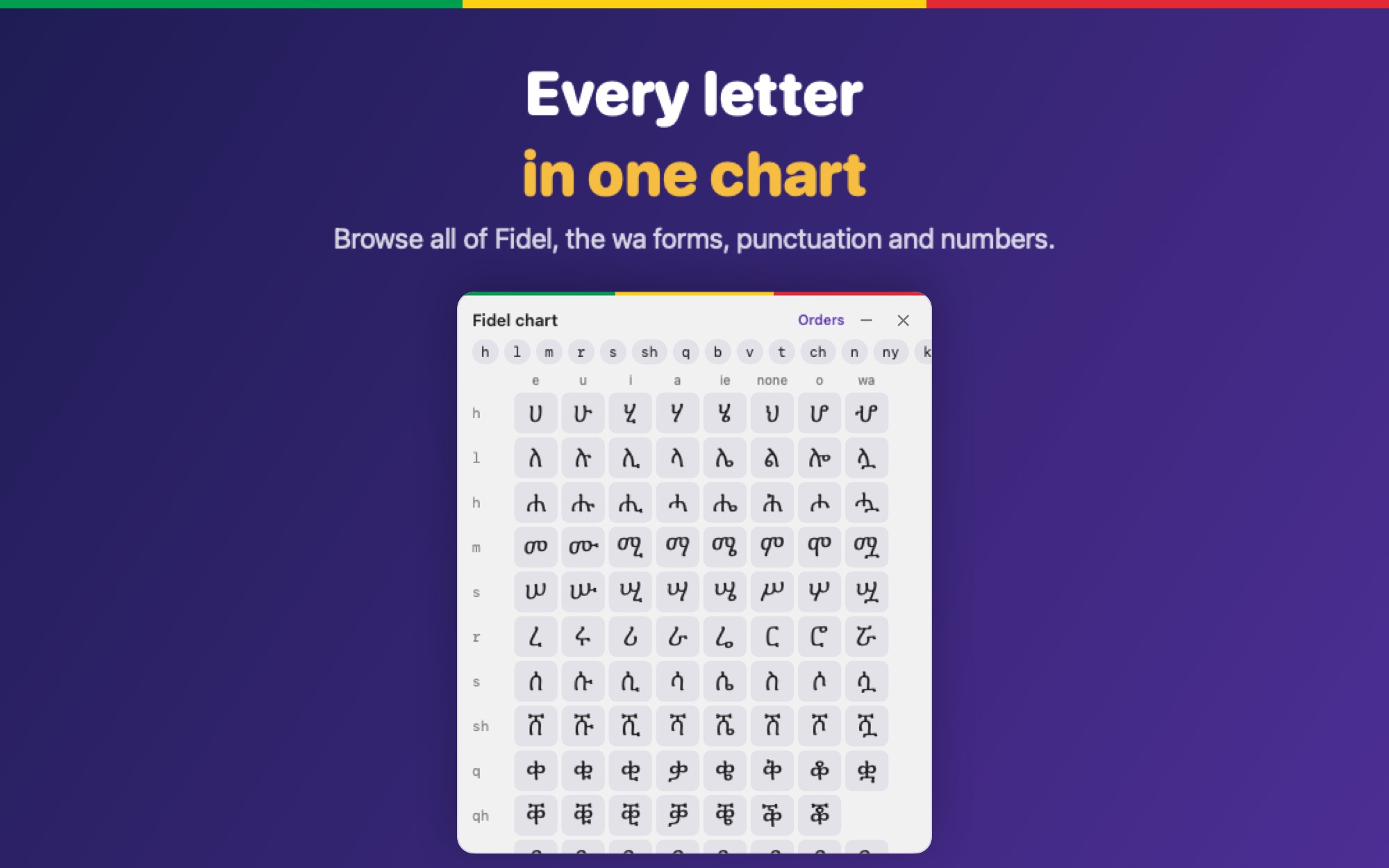
። ፣ ፤ ፥ ፧ and ፩ to ፼ are one tap or one shortcut away.
iPhone and iPad (on the App Store) and Mac (available now, macOS 13 or later, Apple silicon and Intel).
No. Nothing you type is stored, logged or sent anywhere. The Mac keyboard never connects to the internet and the iPhone keyboard needs no Full Access.
Download the disk image, open it, drag the app to Applications, press Install, then add the keyboard in System Settings. The guide has every step.
Get the iPhone and iPad app on the App Store, or download for Mac.
 Ethio Amharic Keyboard